
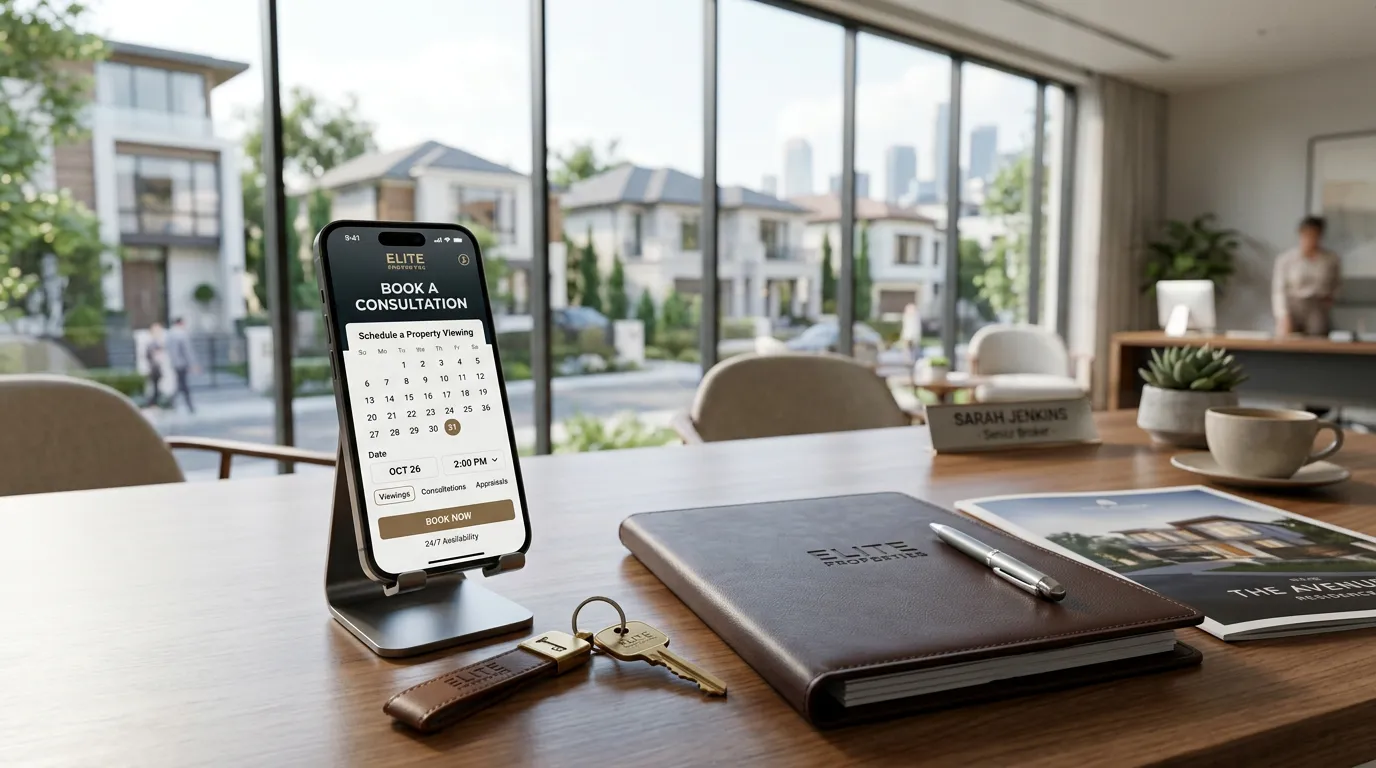
An AI Receptionist Appointment Booking system is a paradigm shift in how service-based businesses interact with the world.
At its core, it is an intelligent, voice-capable digital team member that lives on your phone line, ready to engage in natural, human-like dialogue at any hour of the day or night.
Unlike traditional automated menus that force callers to navigate frustrating keypresses, this methodology uses advanced conversational intelligence to listen, understand intent, and respond instantly.
It effectively bridges the gap between a business owner’s need for rest and a customer’s need for immediate gratification, ensuring that the “open” sign never truly turns off.
The primary benefit of this approach is the total elimination of “leaked revenue” caused by missed calls or delayed responses.
In modern business, a missed call is almost always a lost opportunity, as customers rarely leave voicemails and instead immediately dial the next competitor.
By providing a consistent, professional, and zero-wait experience, the system builds immense trust and brand authority from the very first second of contact.
Furthermore, it frees the business owner from the “reactive” trap of constant phone interruptions, allowing them to focus entirely on their craft while their calendar fills up autonomously with qualified, confirmed appointments.

Set up AI Appointment Booking with Make.com and a Voice AI Platform
Build a low-cost automated booking system using Make.com, a Voice AI Platform of your choice, and Gmail.
Time: 15 min
Difficulty: Intermediate. This individual needs a specific “Low-Code Architect” skill set. They don’t necessarily need to be a software engineer, but they must be comfortable with systems integration.
7 Steps:
- Create a free Make.com account and start a new Scenario
- Add a ‘Webhooks’ trigger and copy the generated Webhook URL
- In your Voice AI Platform, paste this URL into the ‘Call End’ or ‘Custom Action’ webhook field
- In Make.com, add a ‘Google Calendar’ module to ‘Create an Event’ using the caller’s data
- Add a ‘Gmail‘ or ‘Email’ module to send the confirmation to the caller and business
- Test the call to ensure Voice AI Platform sends the data and Make.com processes the booking
- Activate the Scenario to go live
Tip
Use a ‘Filter’ in Make.com after the webhook to ensure the calendar event only creates if Voice AI platform confirms the user actually agreed to the appointment.