
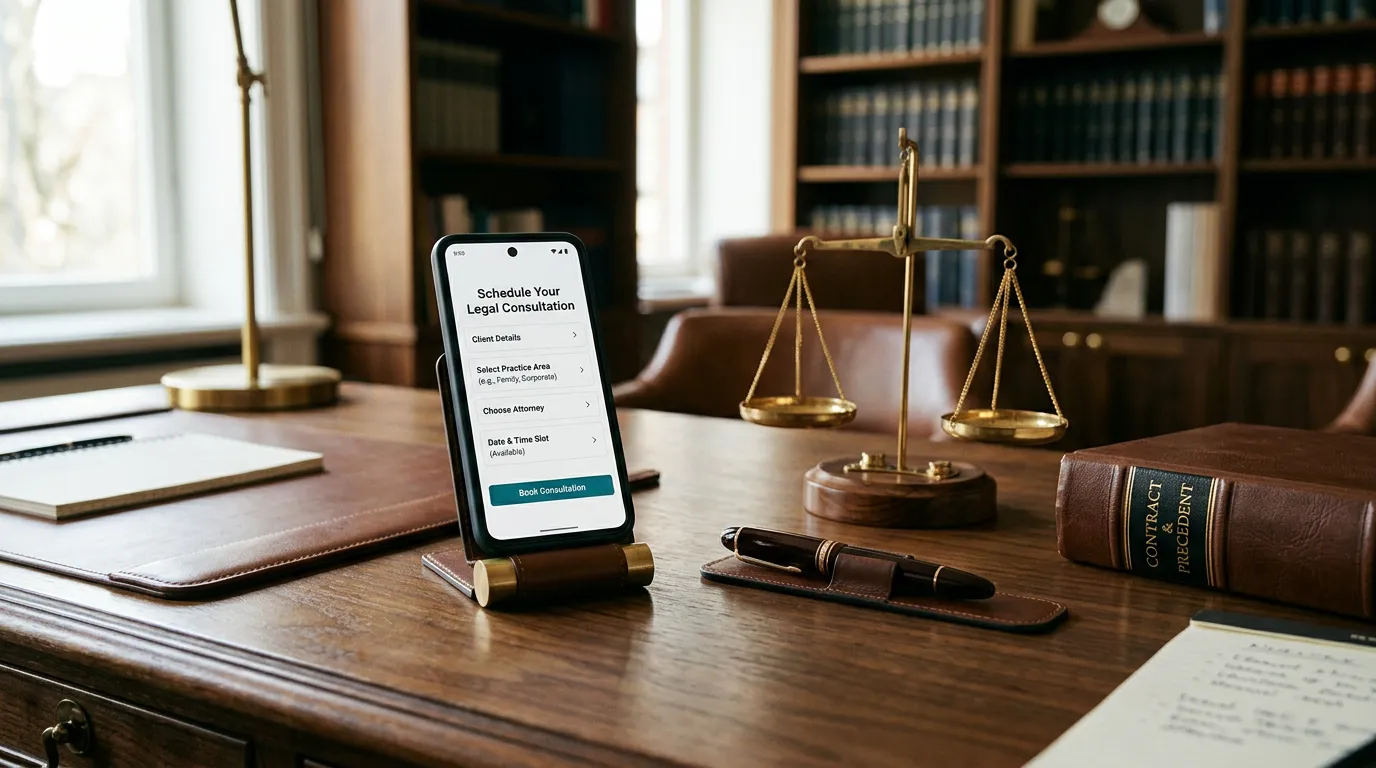
Key Takeaway: Success is no longer just about the quality of your work—it is about the guaranteed availability of your intake. An AI receptionist turns “I’ll try to call them back” into “The appointment is already set.”
That’s the difference you cannot be without!
In the modern economy, the silent killer of the small business is the unanswered call.
We live in an era of “instant-access” consumerism where the window to capture a lead is measured in seconds, not minutes; if a potential client reaches a voicemail instead of a person, they don’t leave a message — they simply move to the next listing on their screen. A 24/7 AI Receptionist transforms your business from a vulnerable, time-bound operation into a resilient, always-available enterprise.
By deploying a system that listens, reasons, and acts with human-level sophistication at 3:00 AM just as effectively as at 3:00 PM, you effectively build a digital fortress around your lead flow, ensuring that your marketing dollars are never wasted on a connection that never happened.
Ultimately, the ceiling of your business’s growth is determined by your capture rate.
You can be the most skilled attorney, the most precise plumber, or the most talented jeweler, or HVAC technician or roofer, but if your intake process relies on your physical presence or a distracted assistant, you are operating with a self-imposed handicap.
Incorporating an intelligent booking methodology isn’t just a technical upgrade; it is an act of revenue protection.
It shifts your role from a firefighter constantly reacting to a ringing phone to a true executive who wakes up to a finalized schedule.
In a competitive landscape, the businesses that survive are the ones that are reachable; the ones that thrive are the ones that never let a single dollar ring into the void.

The core architecture
Caller → AI Receptionist number → Voice AI → (mid-call) webhook → Calendar booking → Email confirmationsVoice AI Platforms supports custom functions/tools — during the call, the agent can hit a webhook to (1) check availability and (2) book the slot once the caller agrees to a time. That webhook needs somewhere to live and something to talk to a calendar.
Two ways to build this system — cost comparison
| Make.com route | Self Hosting PHP route | |
|---|---|---|
| Monthly cost | $0–$9 (Core plan, 1,000 ops covers a small business easily) | $0 extra (you already pay for hosting) |
| Setup difficulty | Low — drag-and-drop, no code | Medium — you’re writing a small script |
| Maintenance | Very easy | You maintain the code |
| Speed to launch | Same day | A few hours to a day |
For a single receptionist line doing maybe a few dozen bookings a month, Make.com’s free tier (1,000 operations) will likely cover you completely, so this can genuinely cost $0.
We’d recommend Make.com to start, and only move logic to self hosting if you outgrow the free tier or want to remove the monthly cost long-term.
Recommended calendar: Google Calendar or Cal.com
- Google Calendar — free, everyone recognizes it, has a solid API, and Make.com has a native Google Calendar module (check availability, create event) — no code needed.
- Cal.com — free/open-source scheduling layer if you want a nicer public booking page too, also integrates with Make.com/Zapier.
For simplicity, go Google Calendar first.
Create the Google Calendar the AI will book into Make.com a dedicated Google Calendar (e.g. ‘Plumber Bookings’) under a Google account or Workspace address the business owns. This keeps AI-booked appointments separate from personal events and makes sharing/permissions simple.
Build the Make.com scenario:
In Make.com, create a scenario starting with a ‘Custom Webhook’ trigger module. This generates a unique URL — this is the endpoint the Voice AI Platform will call.
Add it as a Webhook module first so Make.com gives you the URL to paste into Voice AI Platform.
Add a ‘check availability‘ custom function in Voice AI Platform:
In your Voice AI Platform agent’s Function/Tools settings, add a custom function (e.g. check_availability) that calls a second Make.com webhook.
That Make.com scenario queries Google Calendar’s ‘Search Events’ or free/busy module for the requested date range and returns open slots as JSON, which Voice AI Platform reads back to the caller mid-conversation.
Add a ‘book appointment’ custom function in Voice AI Platform:
Add a second custom function (e.g. book_appointment) that fires once the caller confirms a time. It sends name, phone, email, and chosen slot to another Make.com webhook, which uses the Google Calendar ‘Create an Event’ module to add the appointment, with the caller listed as a guest if you collected their email on the call.
Chain on the email confirmationsIn the same Make.com scenario, after the Calendar event is created, add two Gmail (or Google Workspace/Outlook) ‘Send an Email’ modules — one to the business inbox, one to the caller’s email.
Use Make.com‘s built-in templating to pull in name, date, time, and service straight from the webhook data, no custom code required.
Test end-to-end and turn on error handling:
Call your AI number, run through a full booking, and confirm the event appears on the calendar and both emails arrive.
In Make.com, add a basic error handler (e.g. route failures to a fallback email to the business) so a failed booking doesn’t disappear silently.
If you want to skip Make.com entirely (using your self hosting service)
Since you already pay for hosting, you could write a small PHP script and host it there instead of paying Make.com anything:
- One PHP endpoint receives the Voice AI Platform webhook POST (JSON with caller details + requested time)
- It calls the Google Calendar API via a simple cURL request (using a Google service account key stored on the server) to check free/busy and insert the event
- Then uses PHP’s
mail()function or, more reliably, PHPMailer with your hosting SMTP credentials, to send both confirmation emails
This is genuinely $0/month extra, but it means you (or someone) is maintaining PHP code and handling Google OAuth/service-account credentials yourself — more fragile than Make.com‘s visual error handling.
I’d only go this route if you’re comfortable with basic PHP or don’t want any ongoing subscription at all.
Bottom line recommendation
Start with Voice AI Platform → Make.com (free tier) → Google Calendar → Gmail for both confirmation emails.
It’ll likely run at $0–9/month, takes an afternoon to wire up with no code, and is trivial to fix or change later. Move to the Hostinger PHP approach only if you scale past Make.com‘s free operations and want to trim that recurring cost.
Want me to draft the actual JSON schema for the two Voice AI Platform custom functions (check_availability and book_appointment) so you can paste them straight into the Voice AI Platform dashboard?